PRINTHARMONY
FIVE ESSENTIAL CHECKS

Size
Set the correct trim size, orientation, margins, and final folded dimensions before building the layout.

SAFETY
Extend backgrounds beyond the trim line while keeping text and logos inside a reliable safe area.
IMAGE
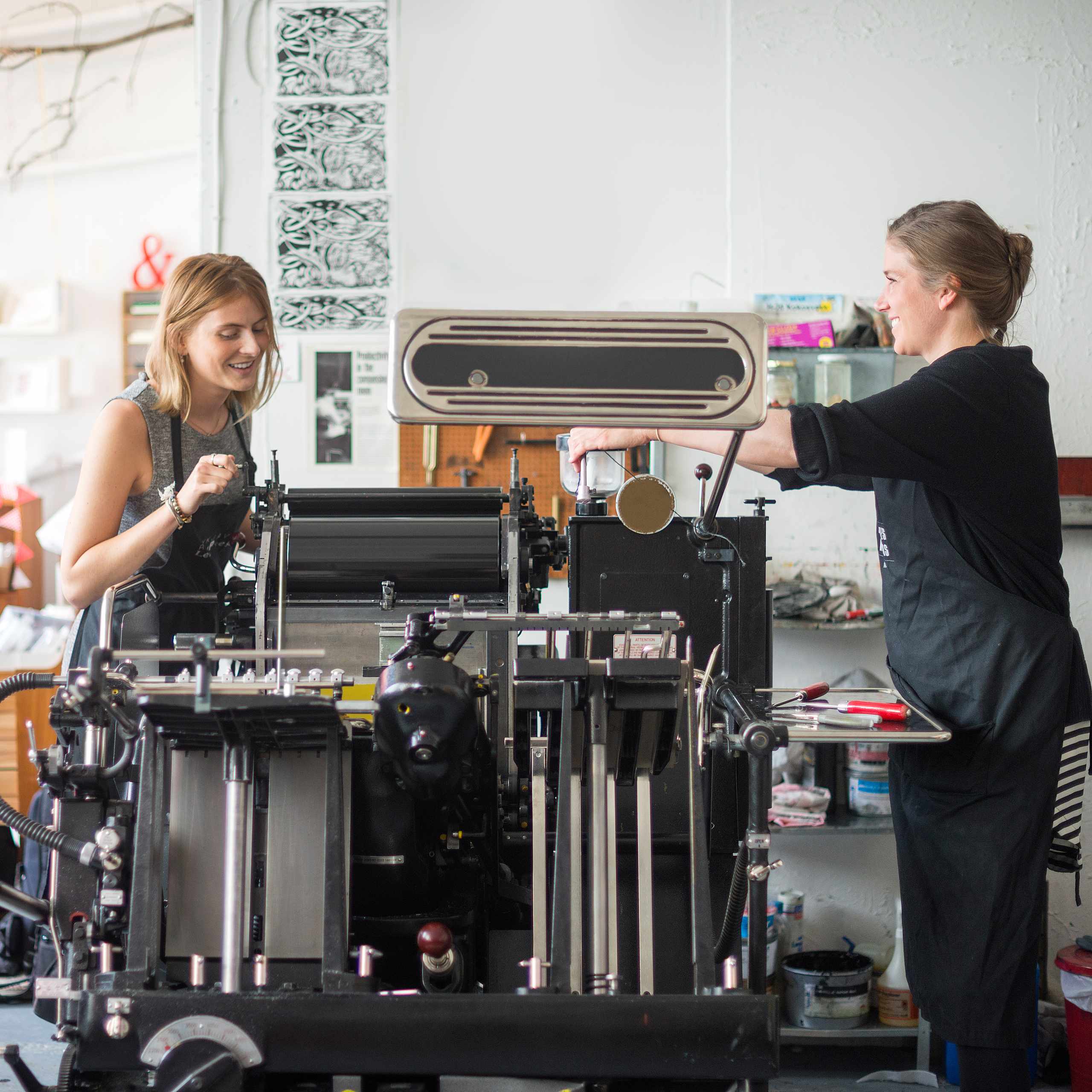
Check image resolution, scaling, and raster quality before a sharp screen graphic becomes a soft print.

COLOR
Compare RGB and CMYK results, review color profiles, and expect some variation between screen and paper.

Review
Review fonts, images, crop marks, transparencies, and export settings before sending the final PDF.
PRACTICE WITH REAL FORMATS
BUSINESS CARD
Practice exact dimensions, front-and-back orientation, safe margins, bleed, and readable type at a small scale.
FLYER
Balance headlines, images, spacing, and paper size while preparing a clear one-page print-ready layout.
FOLDED BROCHURE
Mark fold lines, arrange panels in the correct order, and test the structure with a plain-paper dummy.
WHAT PRACTICE CHANGES
Bleed and trim finally made sense once I could compare the layout boundaries instead of memorizing definitions.
The file checks helped me notice low-resolution images and missing margins before I exported the PDF.
Small print projects make each decision visible, from document setup and CMYK color to paper stock and proof review.
Comparing coated and uncoated paper made it easier to understand why the same color can feel different in print.
Using one preflight checklist gave me a calmer way to review fonts, images, crop marks, and front-and-back orientation before sending a file.
CHECK BEFORE YOU PRINT
Build a repeatable way to inspect dimensions, bleed, color, image quality, fonts, paper choices, and PDF export settings.
PRINT PREP NOTES

How To Prepare A Simple Business Card For Print
A business card might appear straightforward to make given its limited surface area, but those small constraints can actually make…
READ MORE
RGB and CMYK: How to do a color quick check before printing
The blue on your screen may look a bit muted on the printed page, and bright greens can appear less…
READ MORE
Why a sharp image on the screen can still print blurry
Some images that look good at 100% on screen have very fuzzy edges, fuzzy type, or pixilation on paper. Screen…
READ MORE